Better kombucha, batch after batch.

Fermenta tracks every batch from sweet tea to the fridge. It tells you when to taste, bottle, and chill, and remembers what worked last time.

For iPhone with iOS 26 and iPad with iPadOS 26 or later

  • No account needed
  • Works offline
  • No subscription
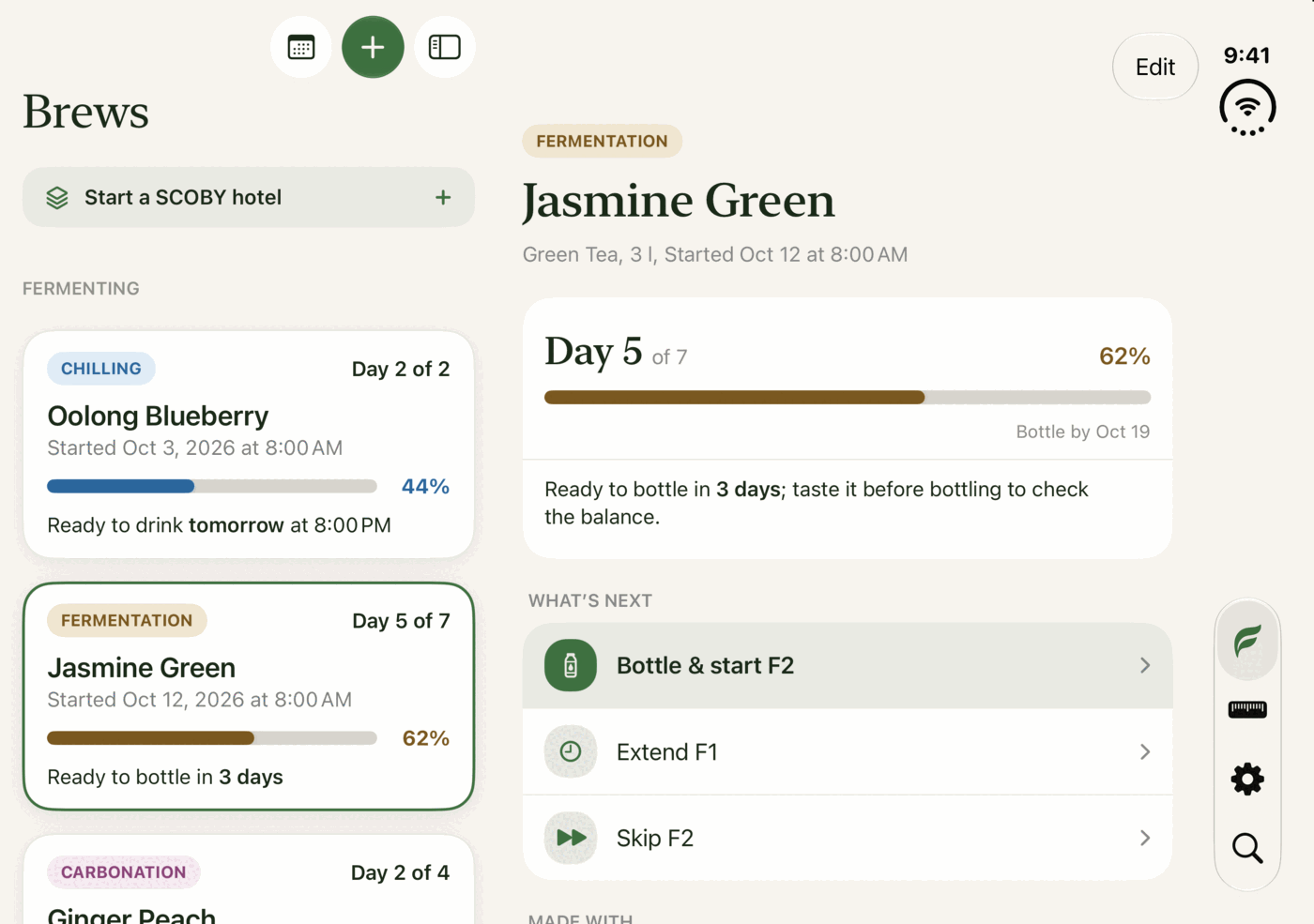
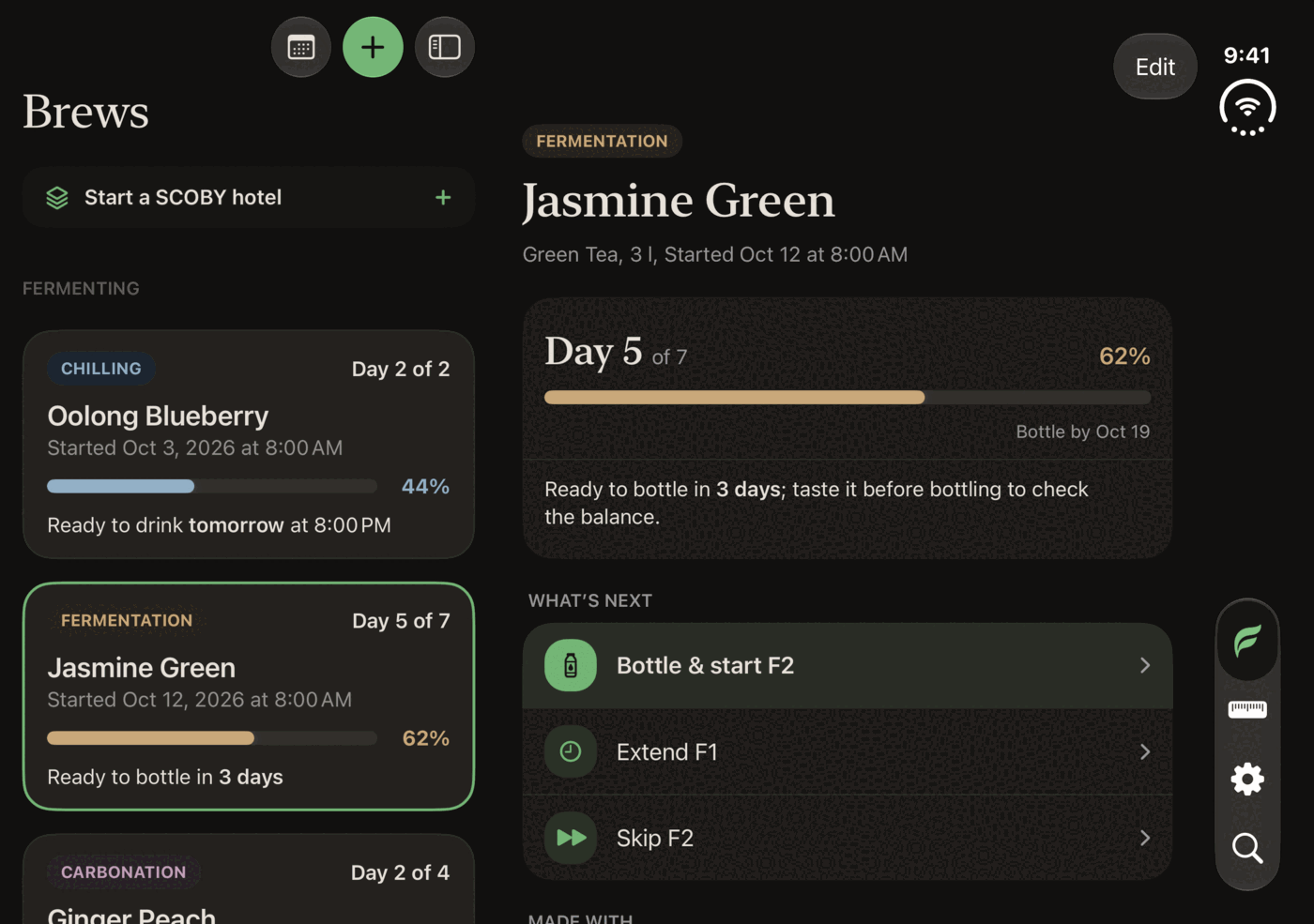
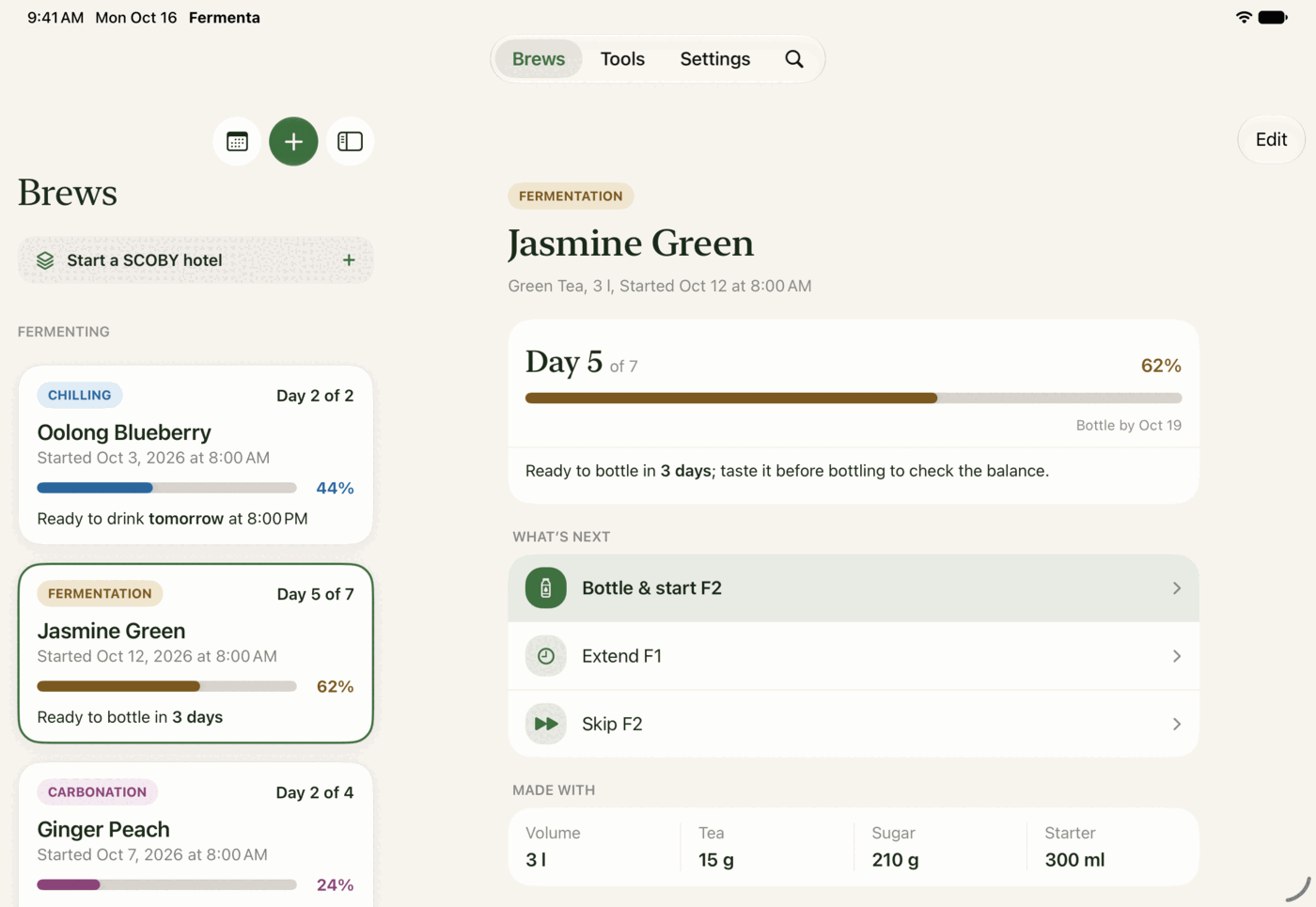
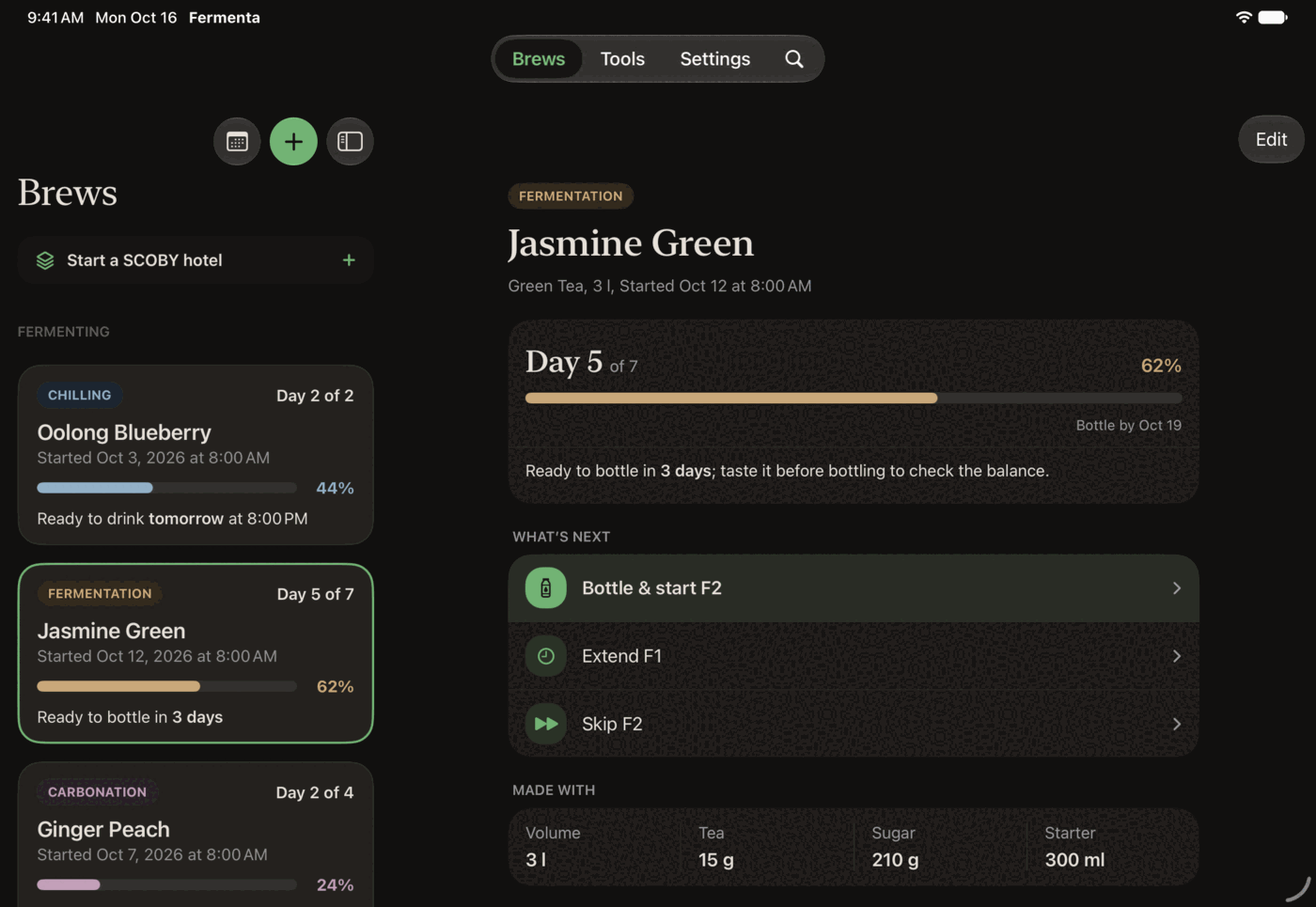
Fermenta on iPad: the batch list beside Jasmine Green, on day 5 of 7, with Bottle & start F2 as the next step. Fermenta on iPad: the batch list beside Jasmine Green, on day 5 of 7, with Bottle & start F2 as the next step.
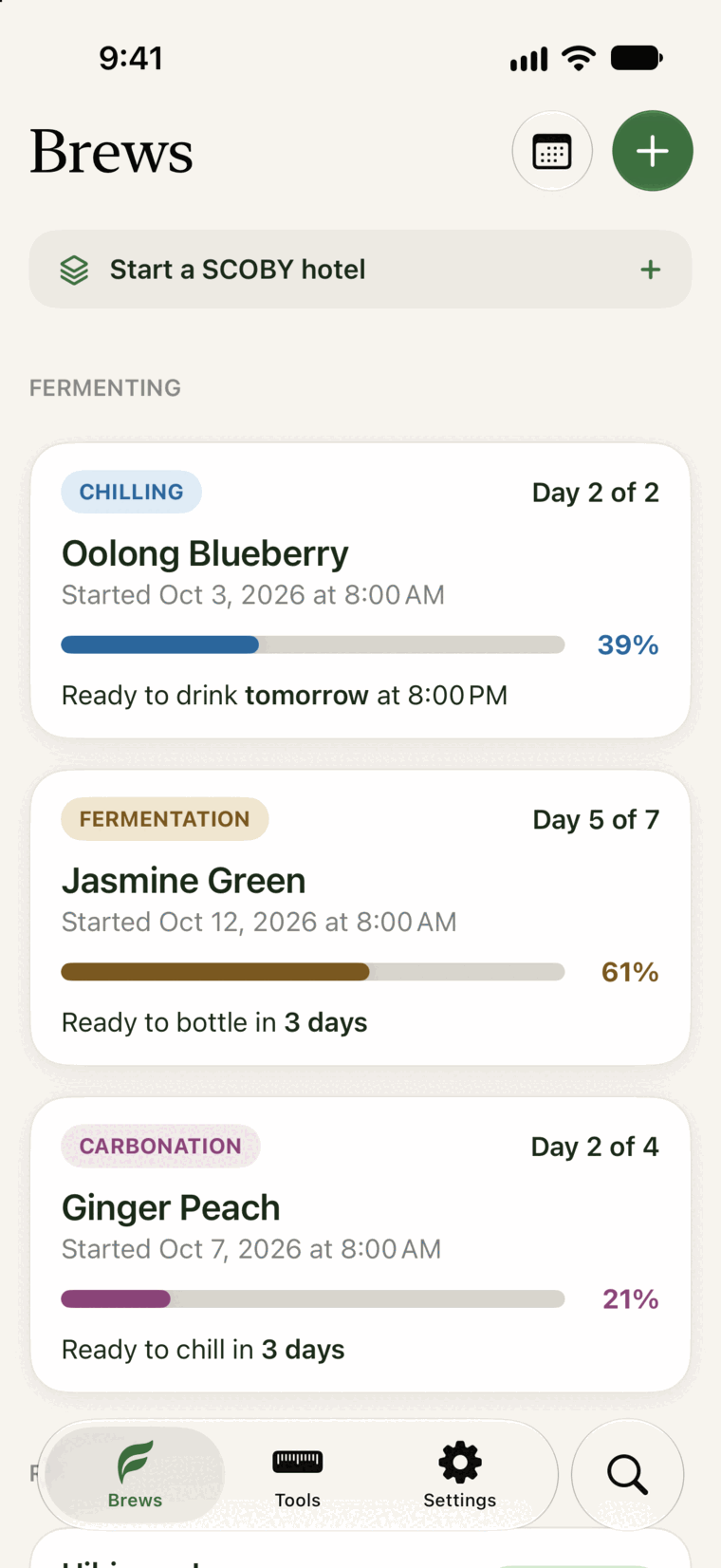
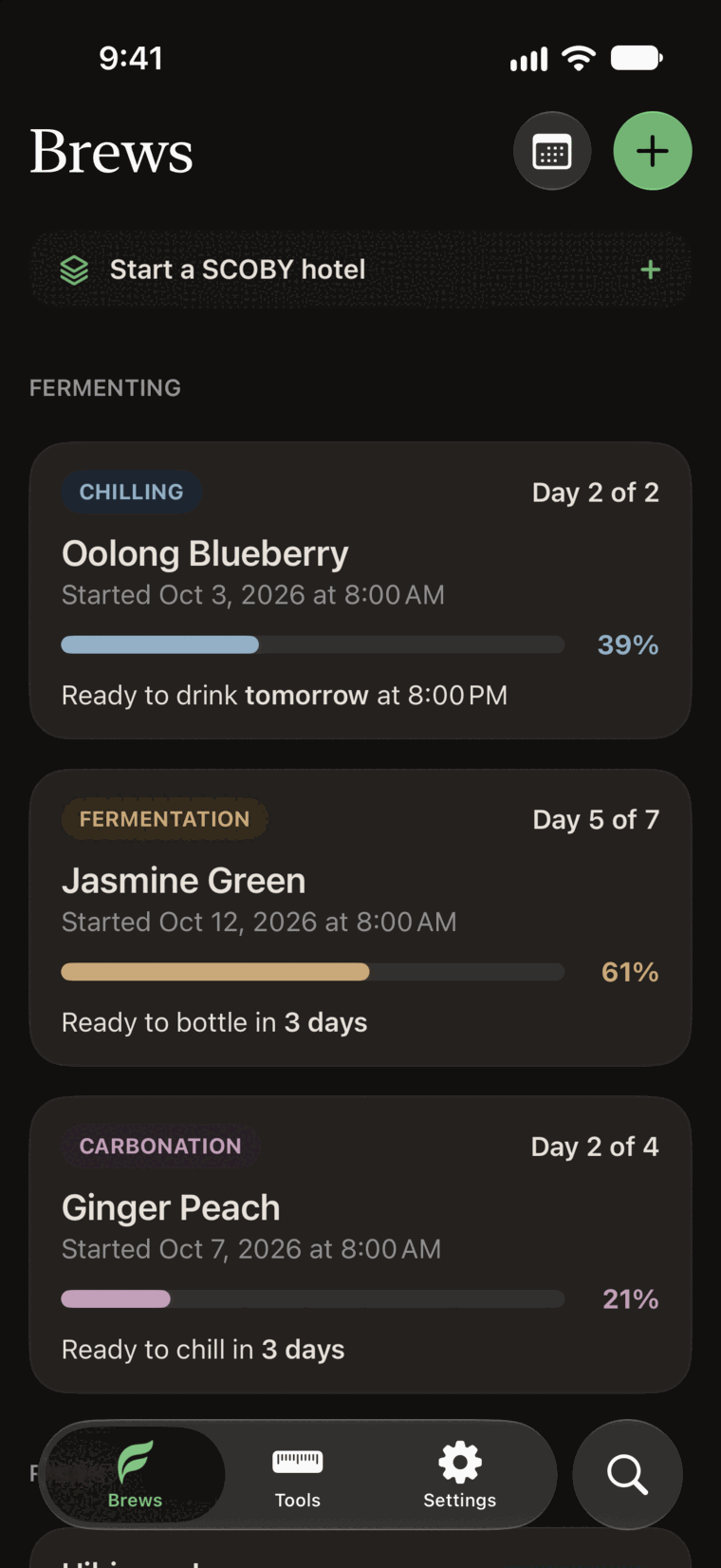
The Brews tab on iPhone with three batches: one chilling, one in first fermentation, and one carbonating. The Brews tab on iPhone with three batches: one chilling, one in first fermentation, and one carbonating.

Brewing is easy. Keeping track is the hard part.

  1. Was that day 6 or day 9?

    Every batch shows its day count and its next step, in first and second fermentation.

  2. Bottling day came and went.

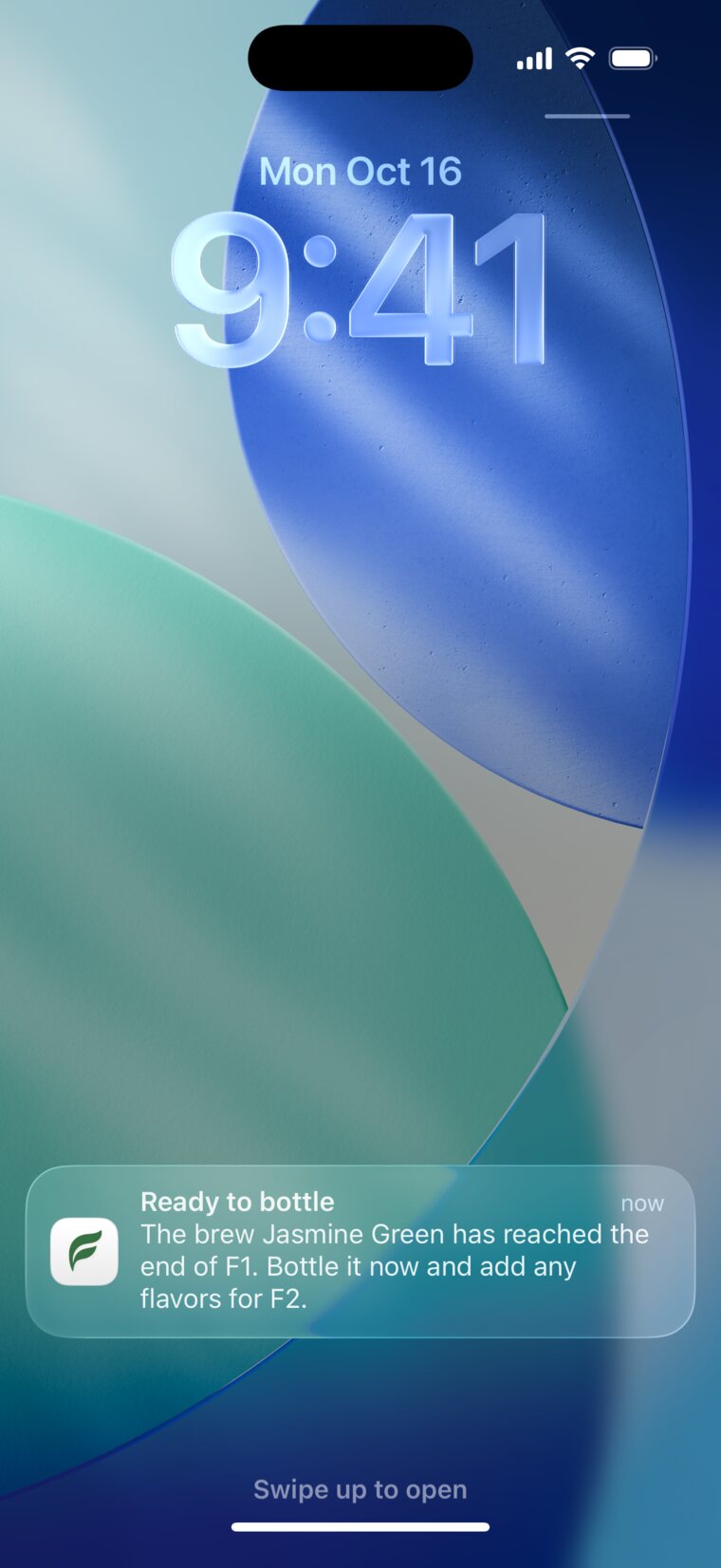
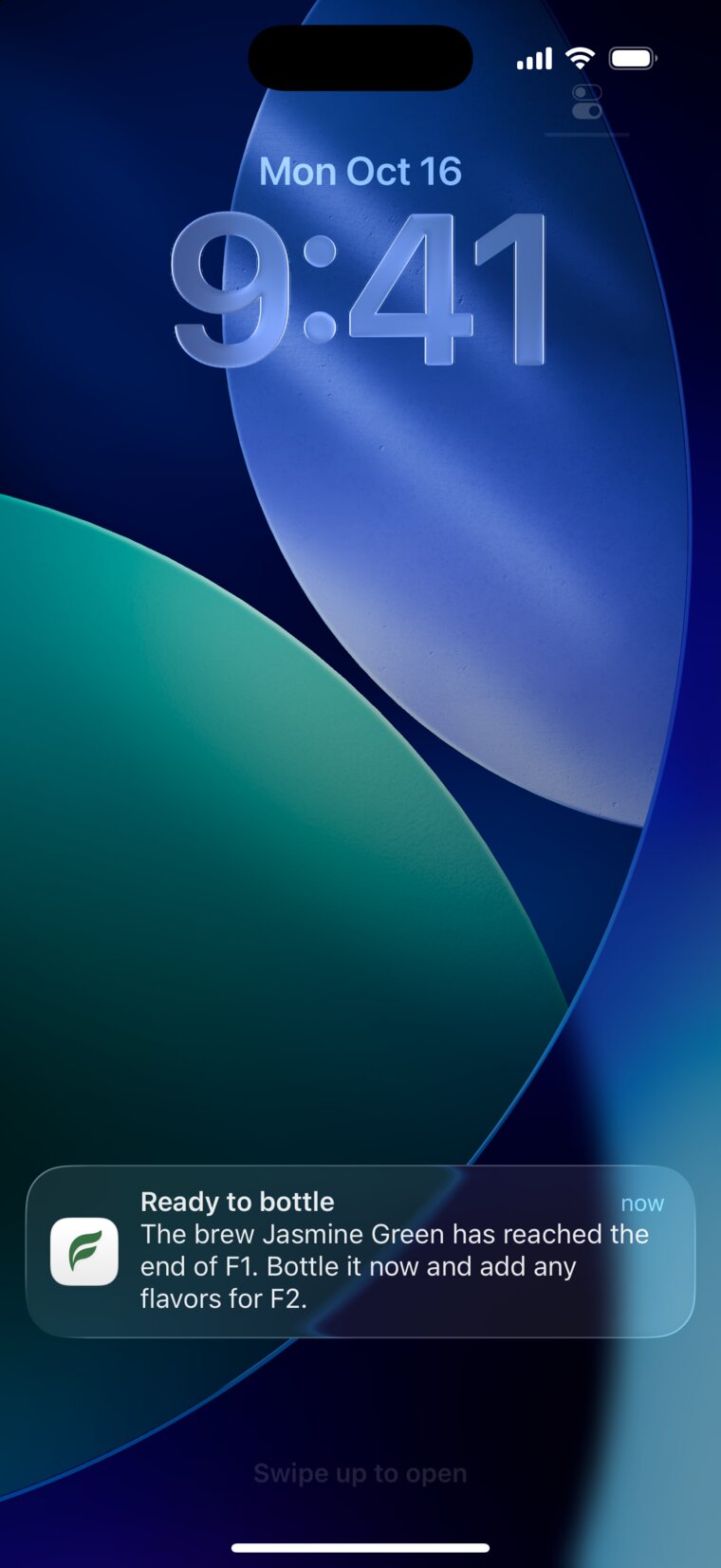
    Reminders tell you when to taste, bottle, and chill, right on your Lock Screen.

  3. That batch was perfect. What did you do?

    Fermenta keeps the tea, sugar, timing, and notes, so you can brew it again.

Knows what comes next

Fermenta counts the days for every batch and tells you when to taste, bottle, and chill. You still decide when a batch is ready.

  • Reminders you can act on from the Lock Screen
  • Widgets and a calendar for every batch
  • Extend a stage or move on early
A Fermenta reminder on the Lock Screen: Ready to bottle. Jasmine Green has reached the end of F1. A Fermenta reminder on the Lock Screen: Ready to bottle. Jasmine Green has reached the end of F1.
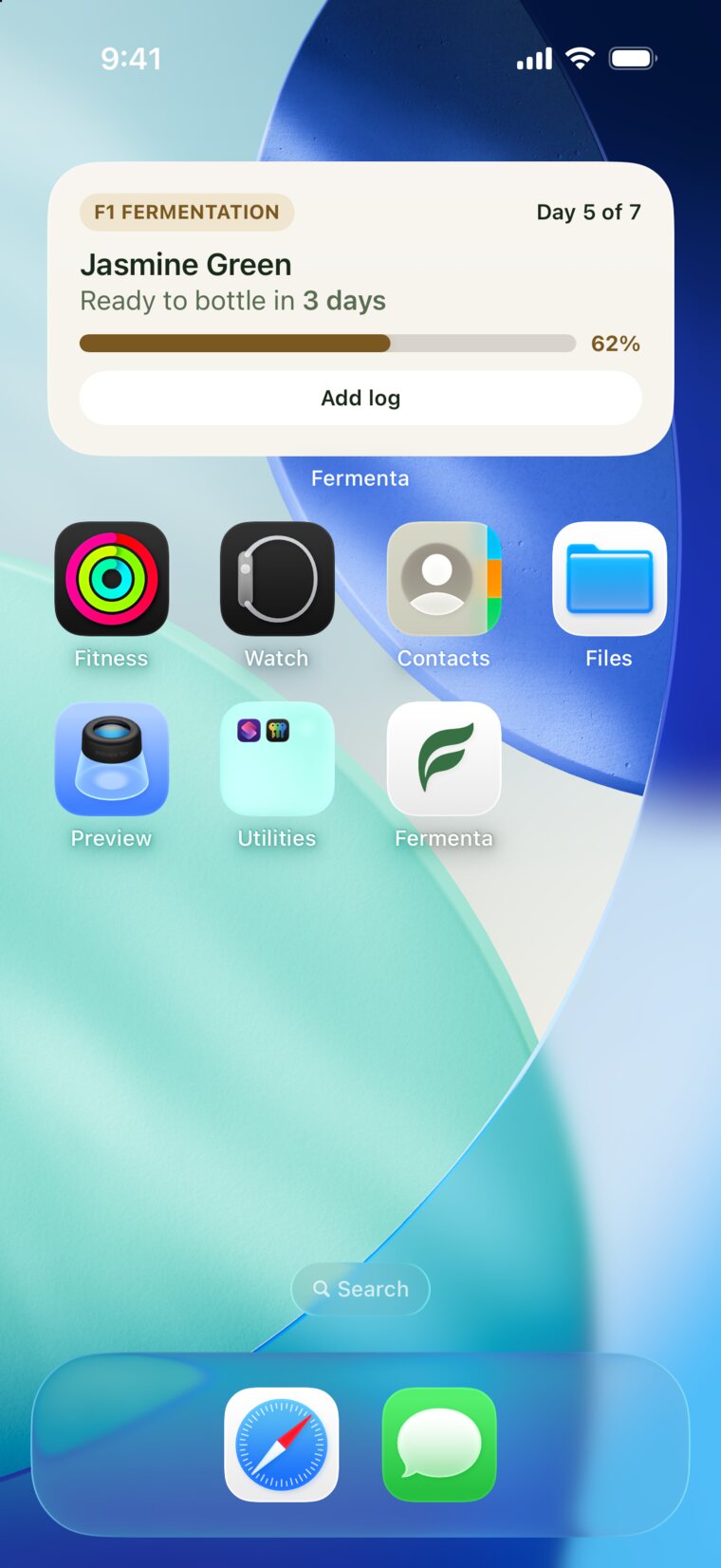
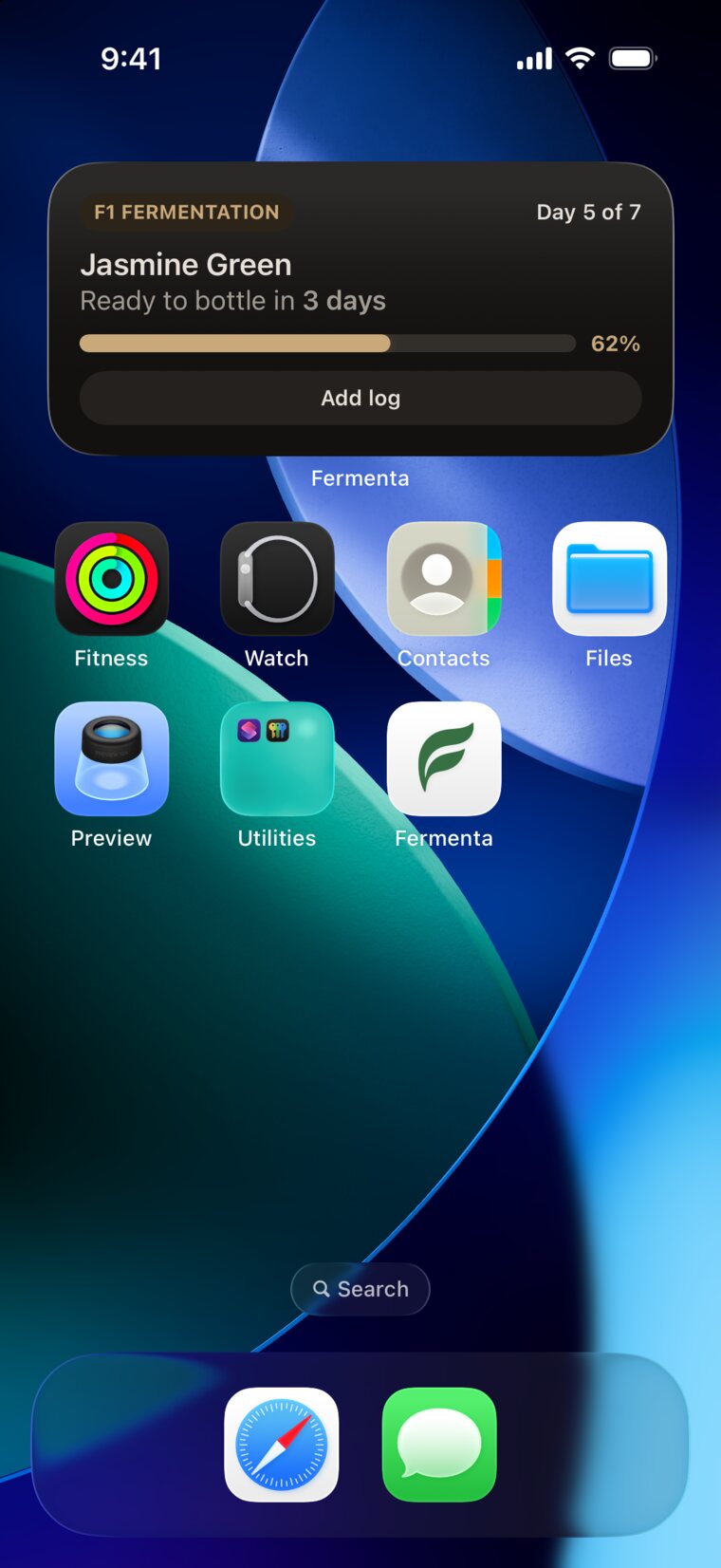
A medium Fermenta widget on the Home Screen: Jasmine Green, day 5 of 7, ready to bottle in 3 days. A medium Fermenta widget on the Home Screen: Jasmine Green, day 5 of 7, ready to bottle in 3 days.

Remembers what worked

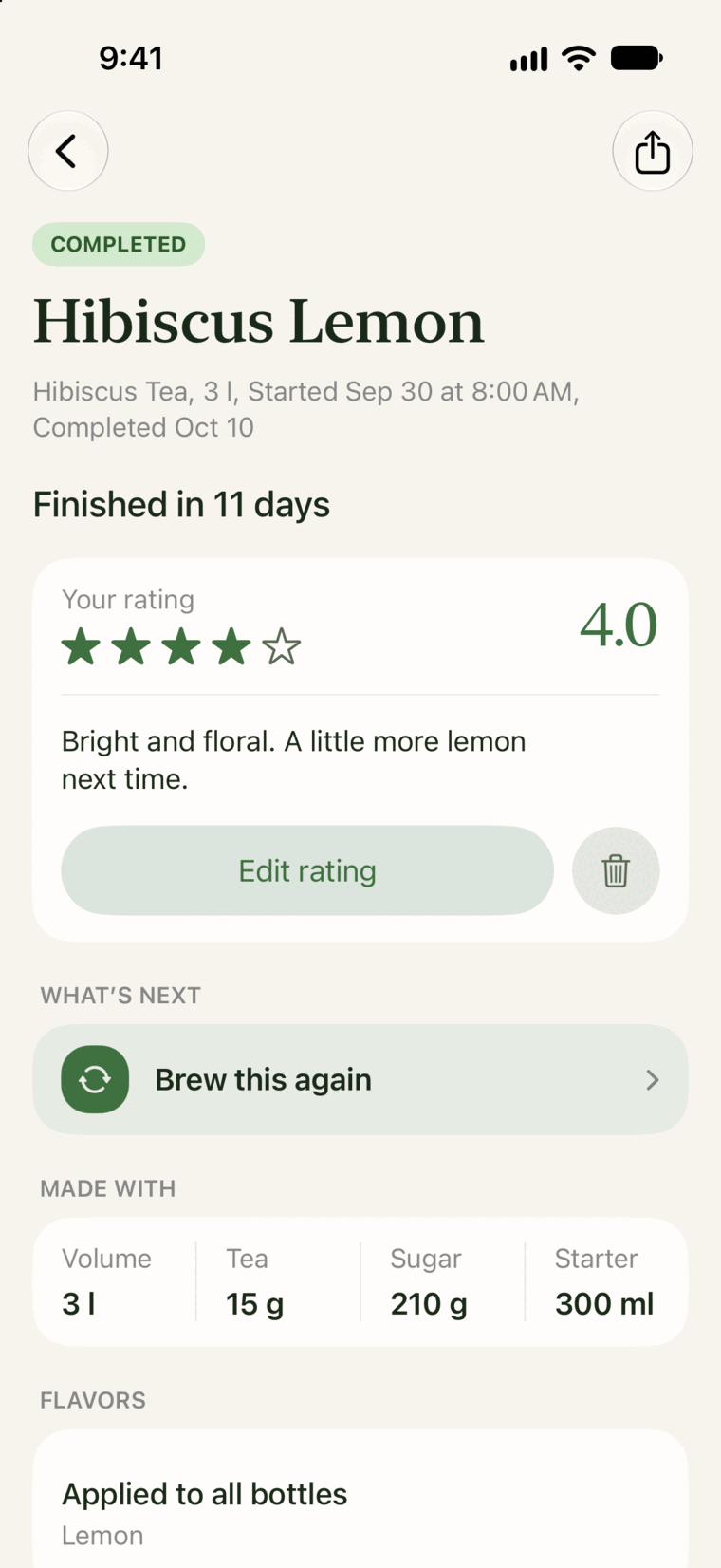
Log flavor, pH, temperature, and fizz as the batch develops. Rate it at the end, then brew it again with one tap.

  • 40 built-in flavors, plus your own
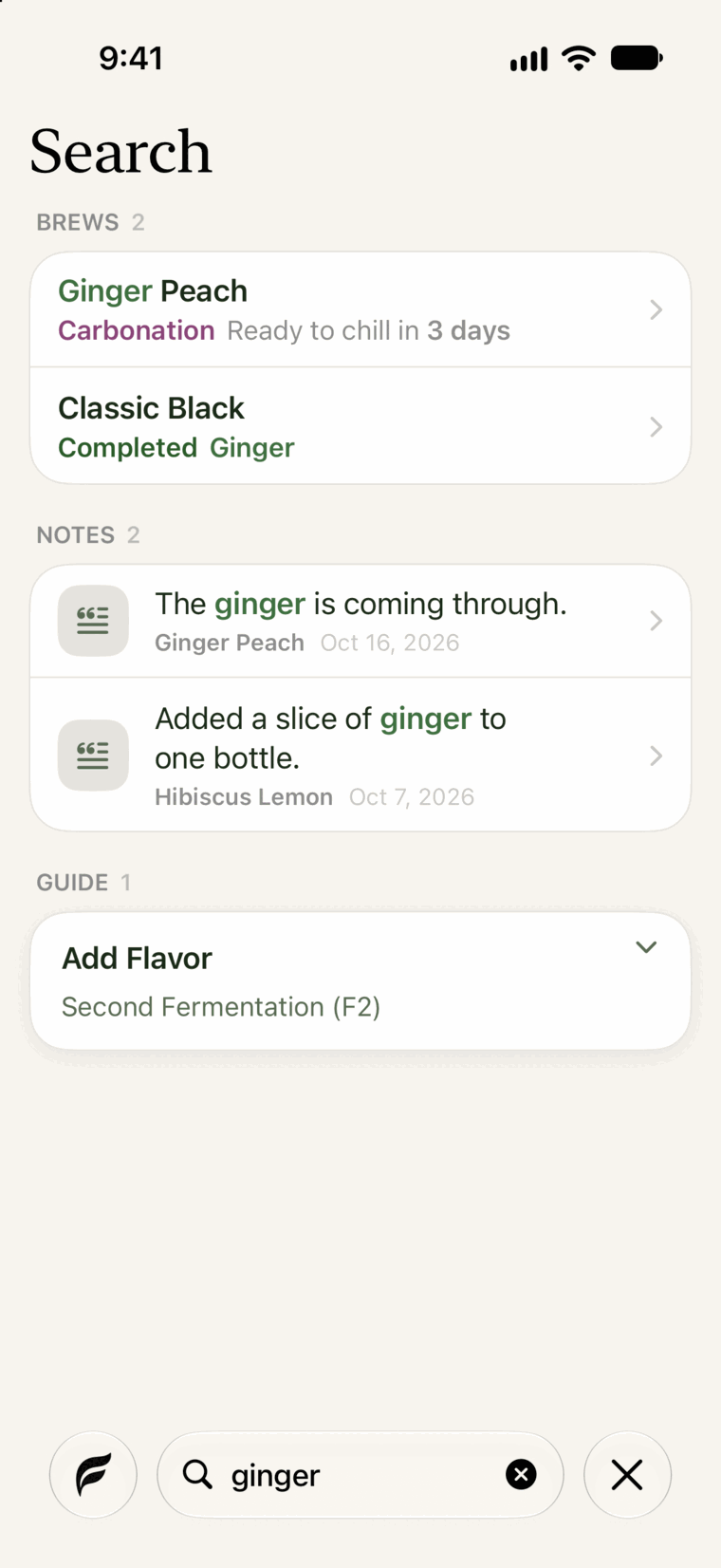
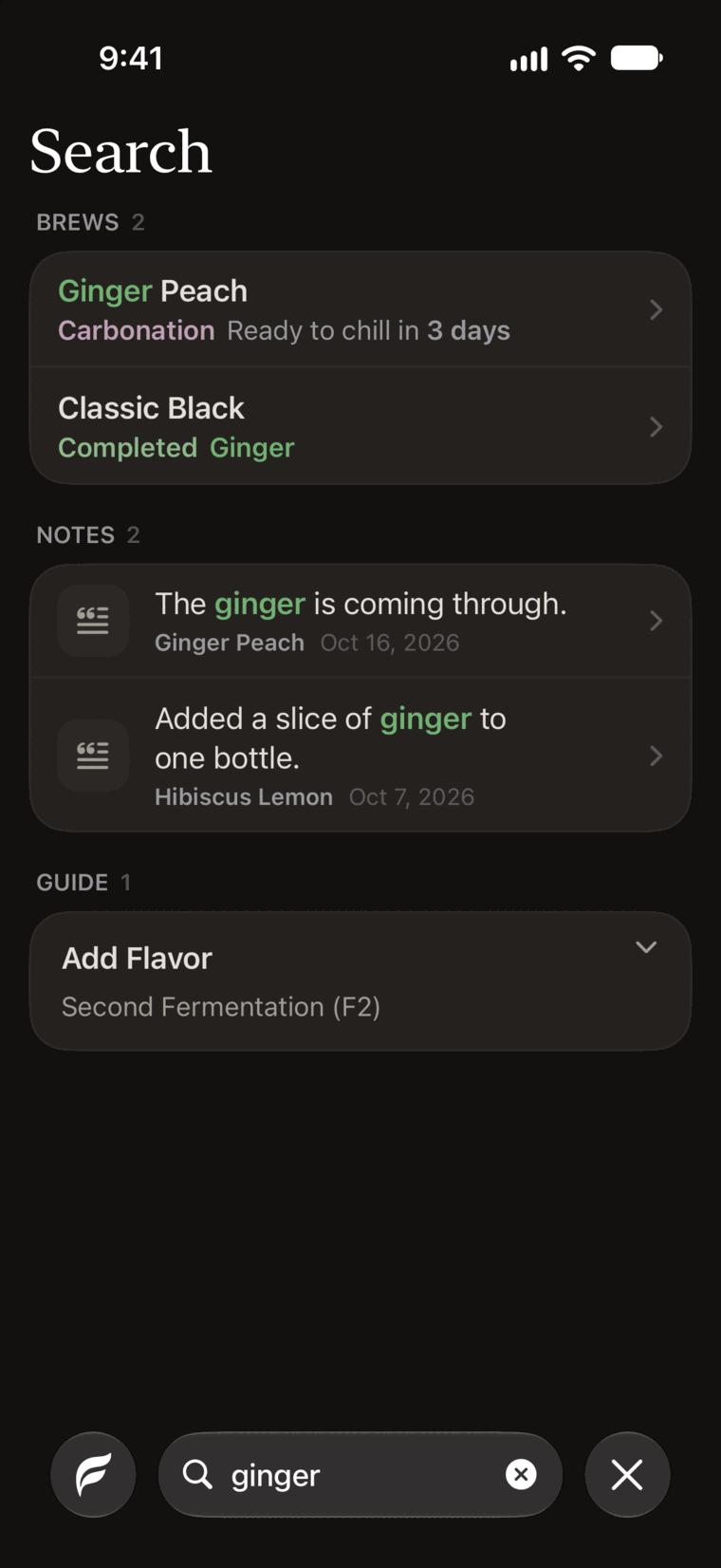
  • Search every batch and note
  • Share a finished batch as a summary card
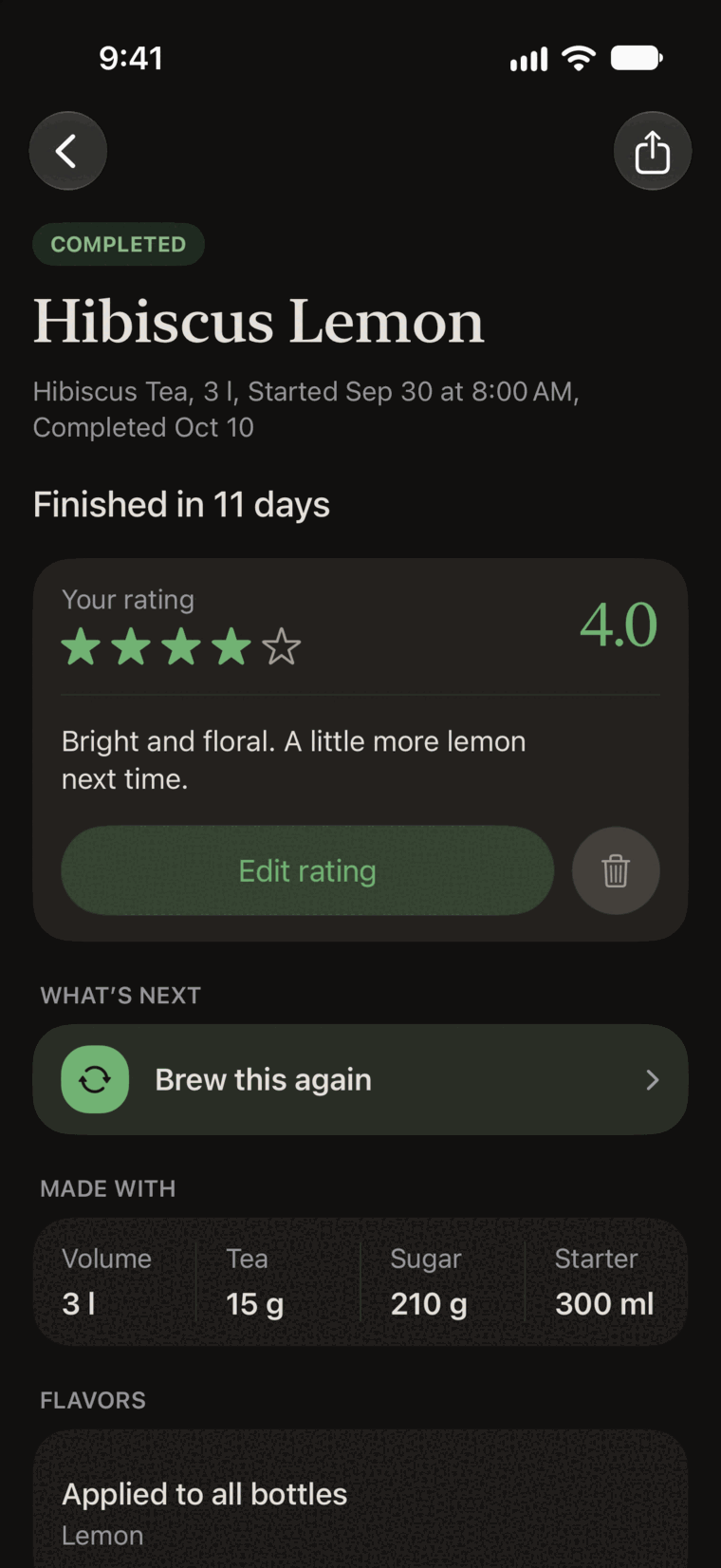
Hibiscus Lemon, finished in 11 days and rated 4 out of 5, with Brew this again as the next step. Hibiscus Lemon, finished in 11 days and rated 4 out of 5, with Brew this again as the next step.
Search results for ginger: two batches and two log notes with the word highlighted. Search results for ginger: two batches and two log notes with the word highlighted.

Help when something looks off

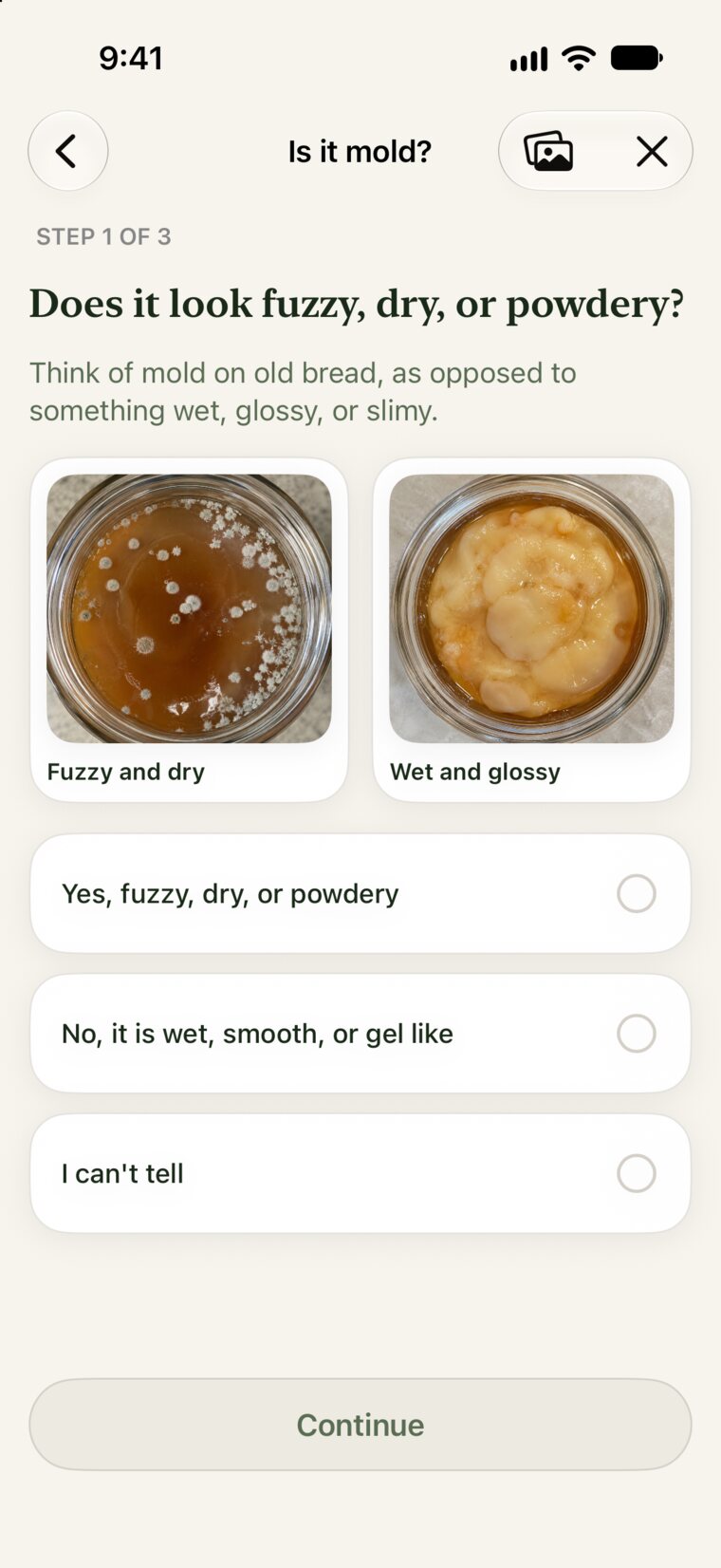
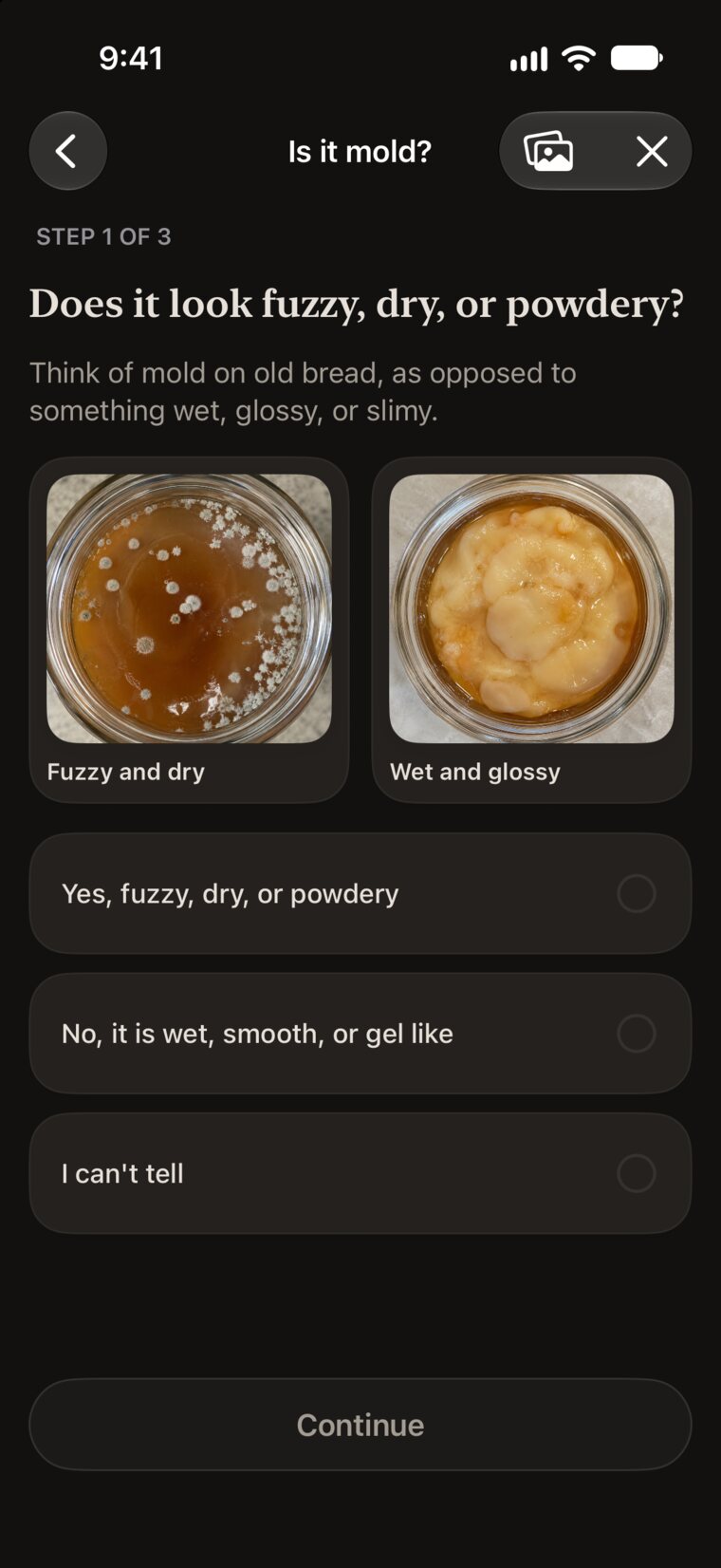
Compare the surface with reference photos to check whether it looks more like dry, fuzzy mold or a wet forming pellicle.

  • Ratio calculator for any volume
  • Brew guide, troubleshooting, and glossary
  • Free SCOBY hotels, with care reminders

This is a guide, not a lab test. When you are still unsure at the end, treat it as mold.

Browse the kombucha guides
The mold check comparing a fuzzy, dry surface with a wet, glossy pellicle. The mold check comparing a fuzzy, dry surface with a wet, glossy pellicle.

Made for the screens you brew with

On iPhone, every batch is a tap away. Open iPhone Duo or use iPad, and your batches sit beside their details. With iCloud, they stay in sync.

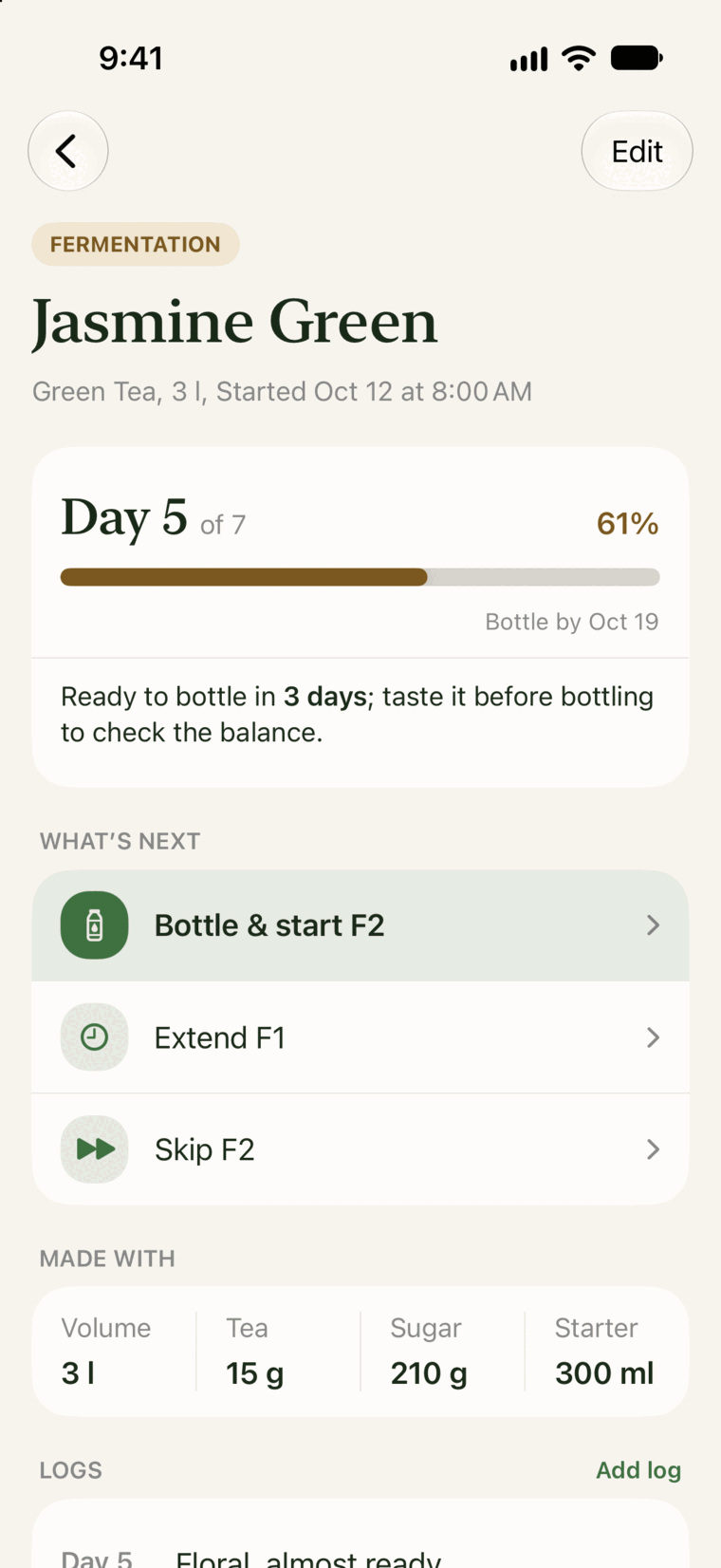
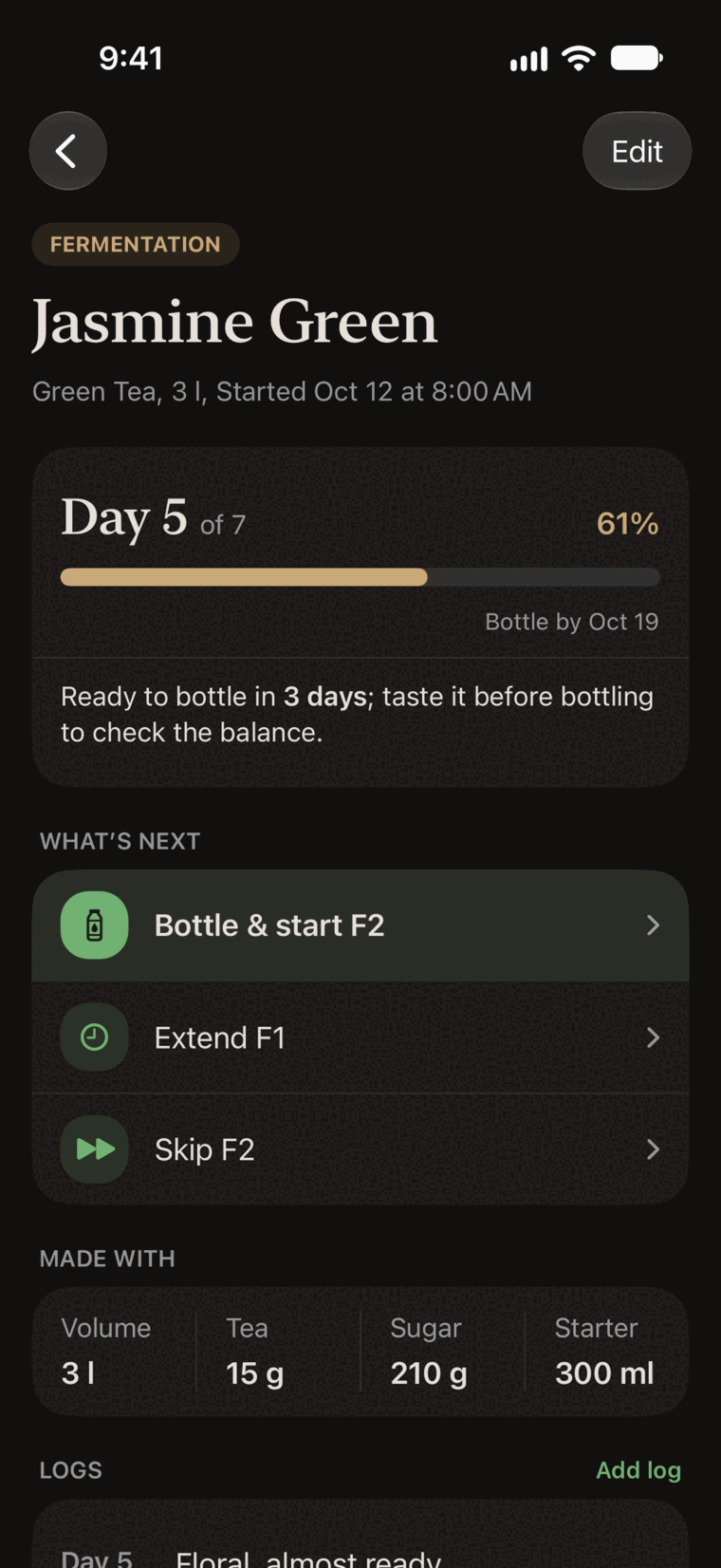
Jasmine Green on iPhone: day 5 of 7, ready to bottle in 3 days. Jasmine Green on iPhone: day 5 of 7, ready to bottle in 3 days.

iPhone

Fermenta on an open iPhone Duo: the batch list beside Jasmine Green, with the tab bar on the side. Fermenta on an open iPhone Duo: the batch list beside Jasmine Green, with the tab bar on the side.

iPhone Duo

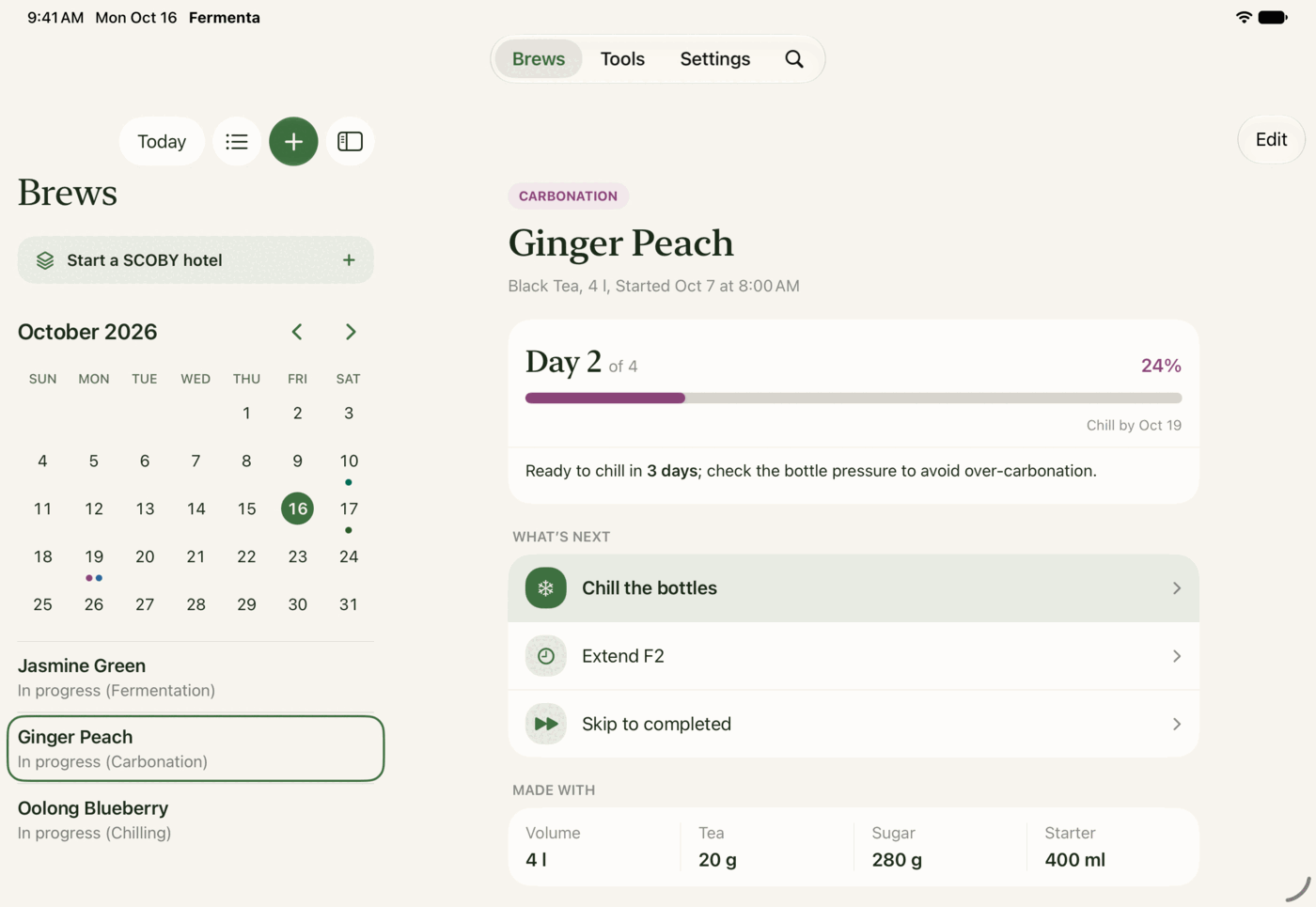
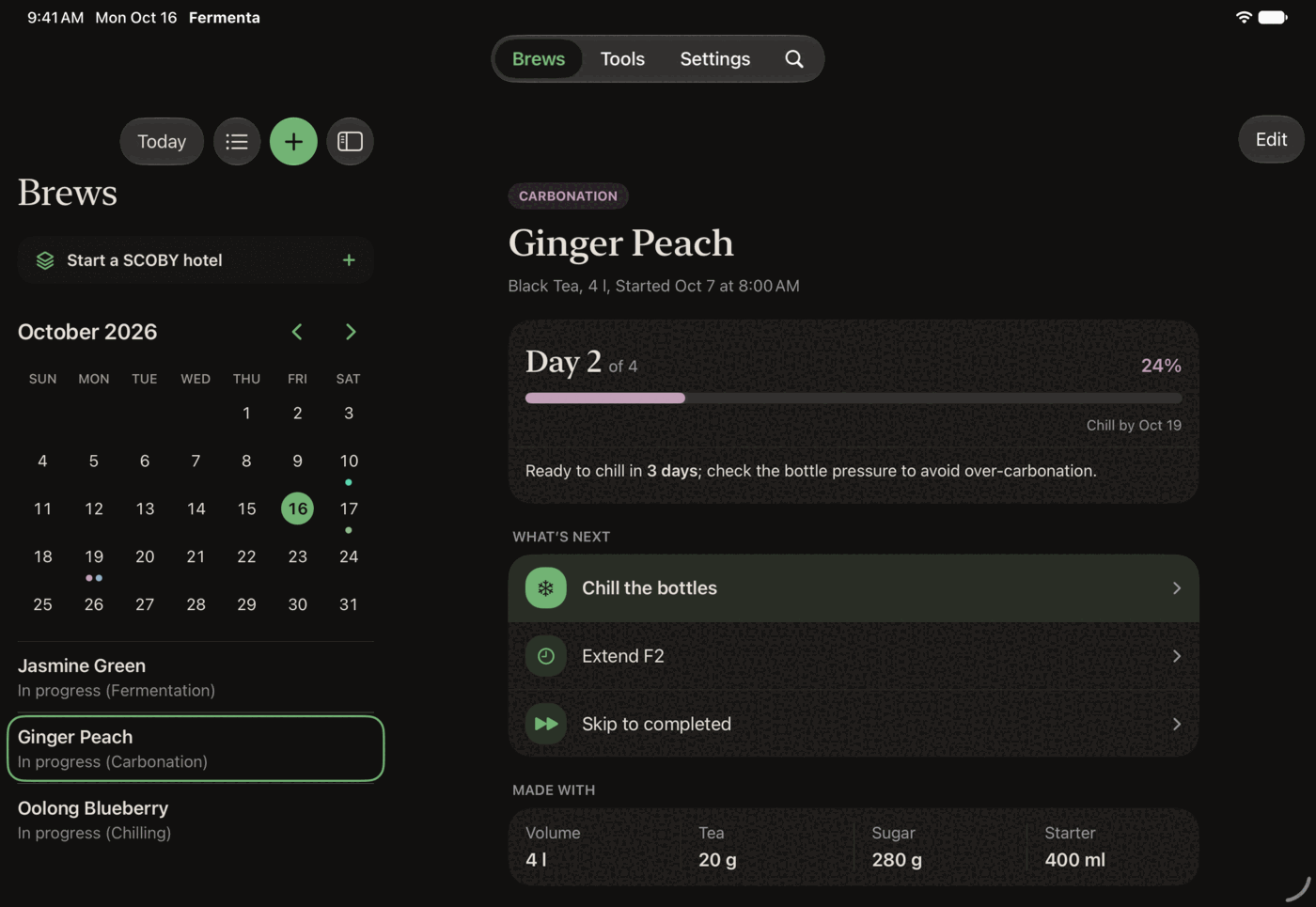
The Fermenta calendar on iPad beside Ginger Peach, on day 2 of 4 of carbonation. The Fermenta calendar on iPad beside Ginger Peach, on day 2 of 4 of carbonation.

iPad

Track one active batch for free. Pro lets you track several at once.

Fermenta Pro is a single one-time purchase. No subscription.

Fermenta

Free

  • One active batch at a time
  • Reminders, widgets, and calendar
  • Logs, ratings, and sharing
  • Calculator, guide, mold check, and more
  • SCOBY hotels and care reminders

Brew as many batches as you like, one at a time.

Fermenta Pro

One-time purchase

  • Everything in Free
  • Unlimited active batches
  • Restore your purchase with your Apple Account

The price is shown in the App Store before you buy.

  • No account
  • Works offline
  • Optional iCloud sync
  • No tracking

Questions and answers

Is Fermenta free?

Yes. Fermenta lets you track one active batch at a time for free, with SCOBY hotels and all reminders included. Fermenta Pro is a one-time purchase that unlocks unlimited active batches.

Is there a subscription?

No. Fermenta Pro is a single purchase. You pay once and keep it.

Does it work on iPad or Android?

Fermenta works on iPhone and iPad. On iPad, you see your batches and their details side by side. There is no Android version.

Can I use Fermenta without an internet connection?

Yes. Your data is stored locally and the app continues to work offline. If iCloud is available, changes sync with your other devices when a connection returns.

Does Fermenta tell me if a batch is safe to drink?

Fermenta is a tracking tool, not a food safety or medical guide. Follow safe fermentation practices and decide whether a batch is safe to consume.

More answers in Help & Support

Nothing fermenting yet?

Start your first batch and Fermenta will keep count of the days.

For iPhone with iOS 26 and iPad with iPadOS 26 or later